1
Start with one tap
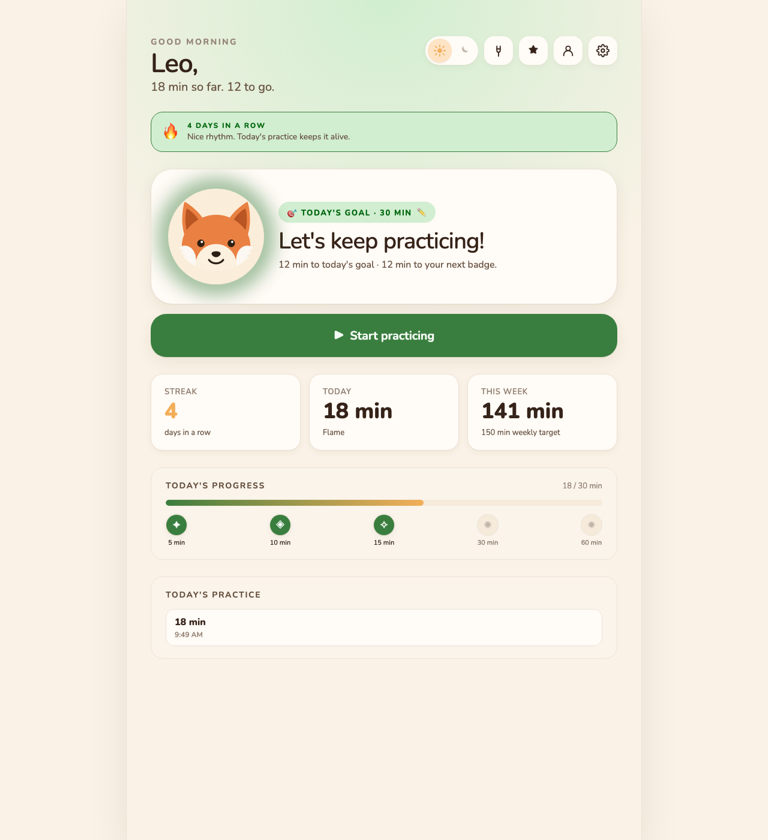
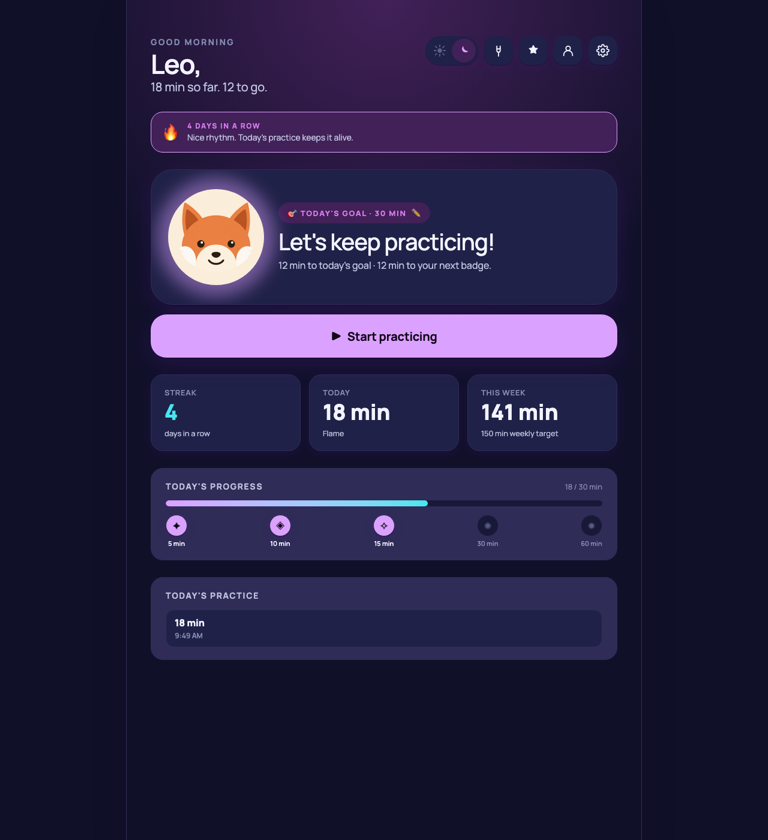
Your kid taps Start, and their companion shows up for it. The day's goal and streak are right there, without turning practice into a lesson app.
For kids who take violin lessons
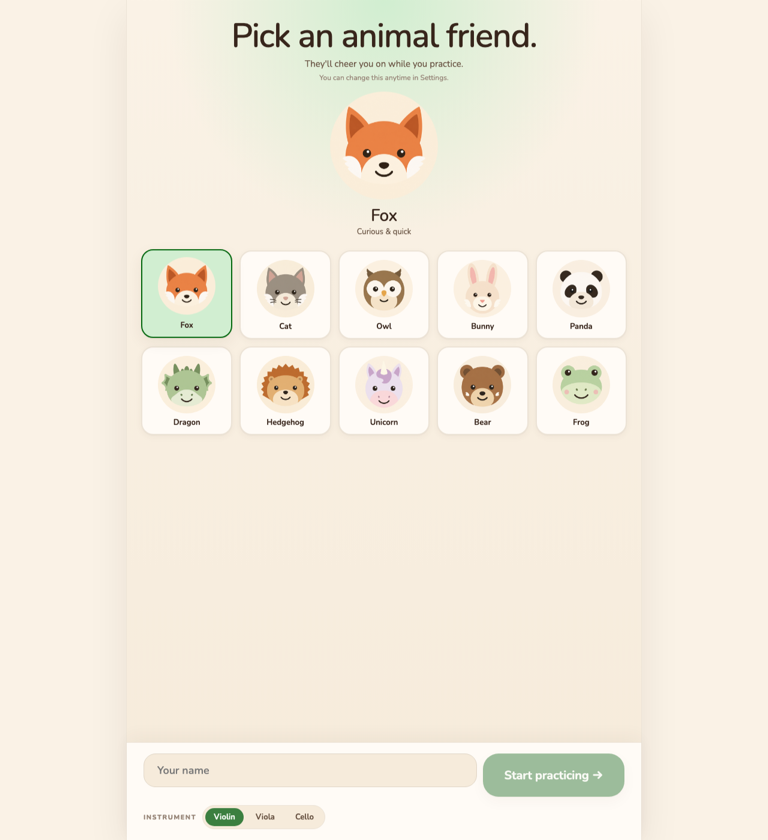
Your kid picks an animal companion, practices with it each day, and builds a streak as they go. Show up a little every day, and the progress follows.
One email when Violin Quest hits the App Store. No spam, no list-sharing.
How it works
Built for the daily moment the violin comes out: easy for a kid to start on their own, and worth coming back to the next day.
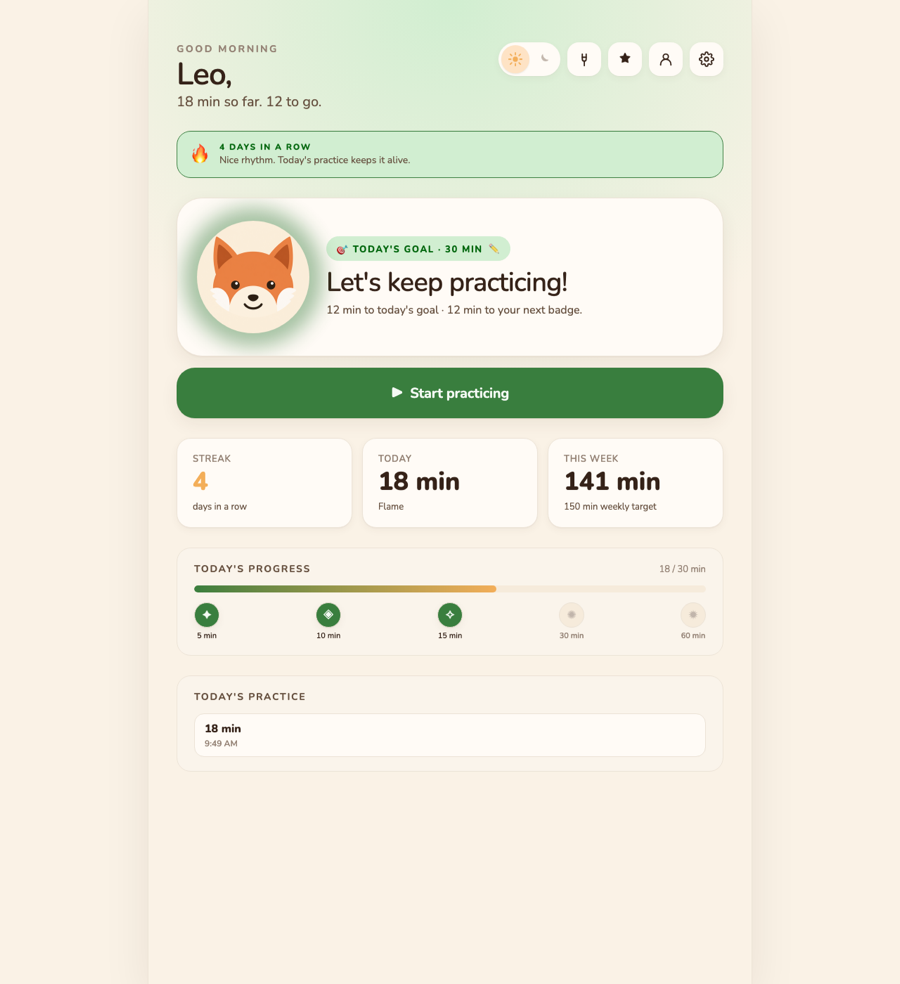
Your kid taps Start, and their companion shows up for it. The day's goal and streak are right there, without turning practice into a lesson app.
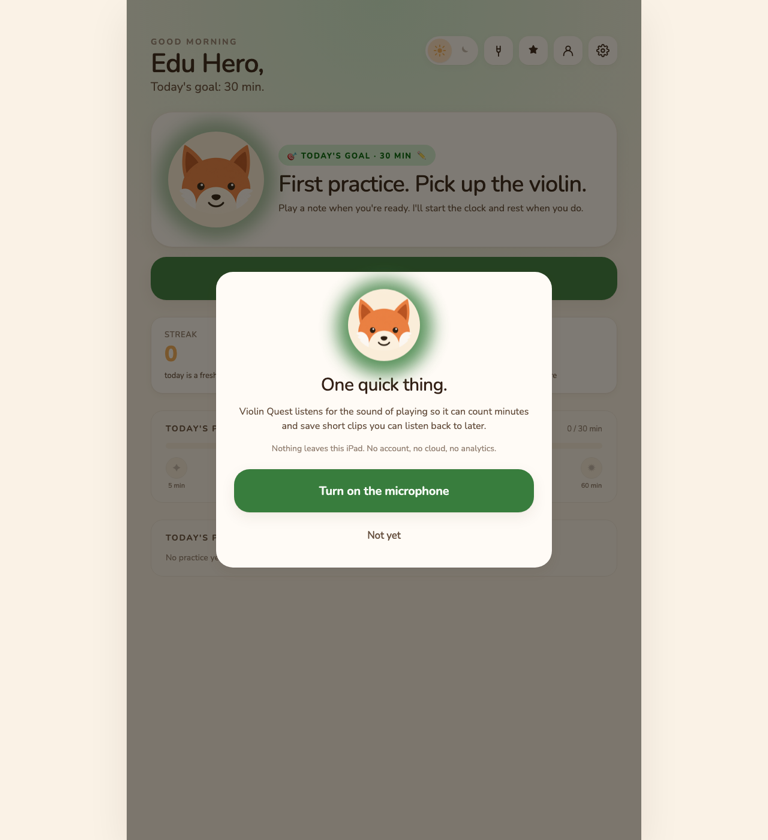
Violin Quest counts the real playing time and rests when the room goes quiet. Everything stays on the device.
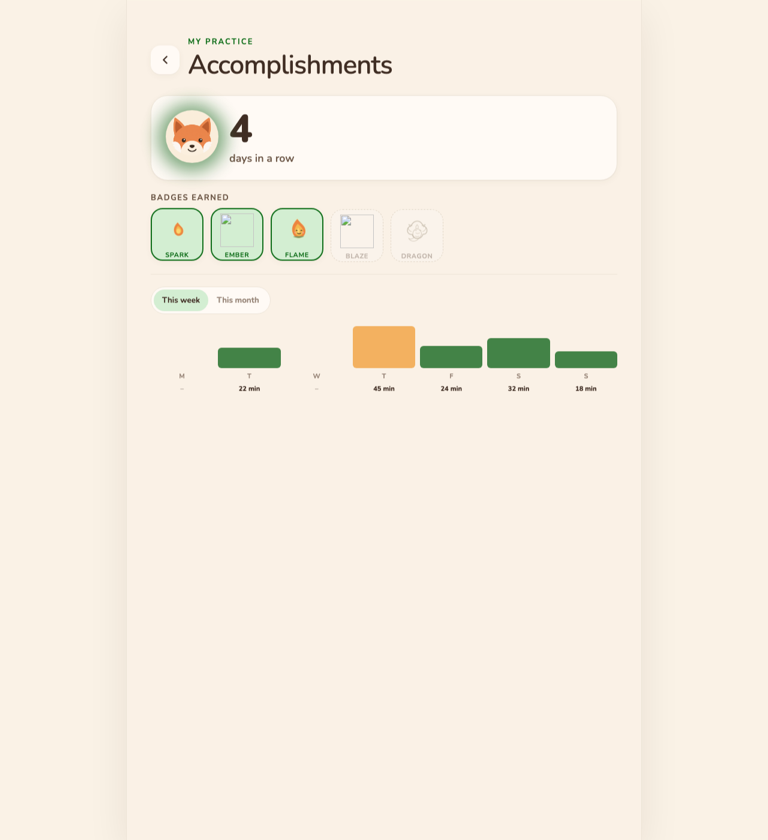
Tapping End shows your kid their session and adds a day to the streak. It celebrates what they did, never grades how they did it.
For parents
When your kid wants to practice, you're not the one pushing it. The recap is still there when you want to see how it went. You just don't have to hover for it.
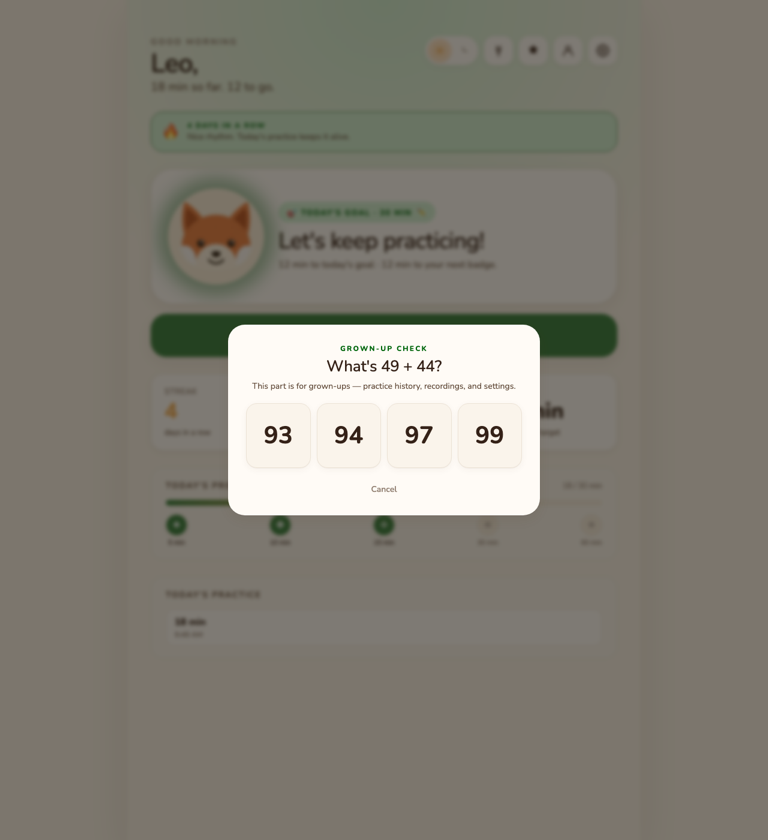
The recap shows the session, the active playing time, and the week so far. Enough to see at a glance.
Each session can keep a recording on the device. Play it back any time you want to hear how it sounded.
Each kid gets their own profile: companion, streak, recordings, and history.
Teacher-safe by design
Violin Quest does not teach repertoire, grade pieces, or tell kids they are wrong. It gives families a lightweight practice record and recordings they can review with the human teacher who already knows the child.
Product tour
Privacy
Violin Quest is intentionally local-first. It listens so it can count practice, not so it can upload a child's playing to a server.
FAQ
No. Violin Quest is a practice tracker and replay tool. It complements a teacher, method book, or school orchestra assignment.
No automatic upload. Recordings stay on the device unless a parent manually exports or shares one.
It is designed mainly for kids around 5-12 who are practicing with parent support.
Yes. Violin Quest is built around bowed-string practice, and the tracker works for violin, viola, and cello routines.
The app is best in a normal practice room. Background noise can affect active-time detection, so parents can review recordings and history.
Yes. Each child can have a separate profile, avatar, streak, recordings, and practice history on the device.
Usually it is friction and the feeling of 'I have to' — not the violin itself. Practice tends to stick when it is short, predictable, started by the kid, and has a small reward for showing up. When any of those is missing, the daily start turns into a negotiation.
Make it kid-started, not parent-pushed. A short daily target, a visible streak, and something they look forward to lowers the friction so showing up becomes the kid's own habit instead of your reminder. Violin Quest is built around that daily start: your kid taps once, practices with an animal companion, and the streak gives them a reason to come back tomorrow.
Short and daily beats long and occasional, especially for younger beginners — consistency matters more than length. Your teacher sets the real target for your child; a daily tracker just helps the routine actually happen.
Yes. Violin Quest is a practice tracker for kids: it listens while they play, counts the real practice time, keeps optional recordings on the device, and shows a streak. It is a record-and-replay tool — it does not teach or grade — meant to sit alongside your child's teacher and method book.
Download Violin Quest for iPhone and iPad. Give your kid a companion, a streak, and a practice habit they keep coming back to.